How it works
Four steps, and the family on the same page
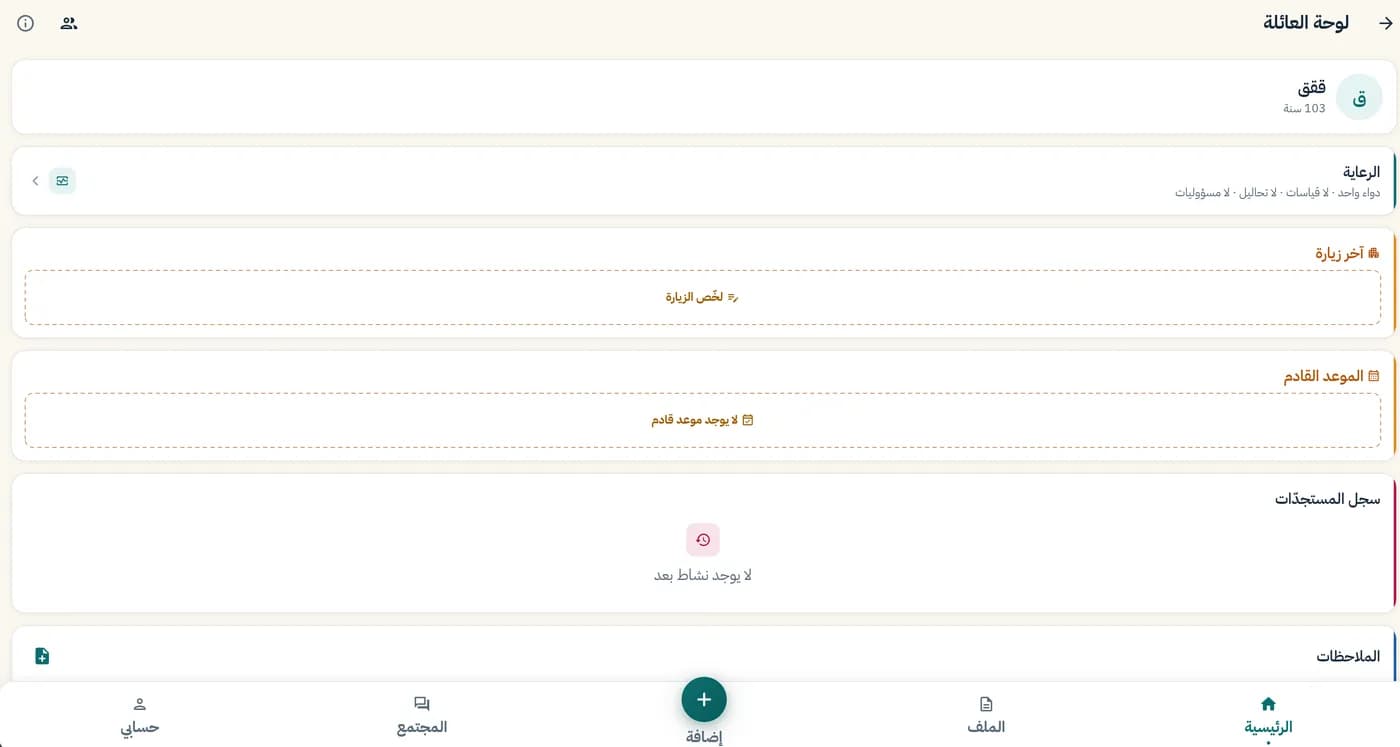
Here's what the app looks like for a son or daughter organising a parent's care.
01
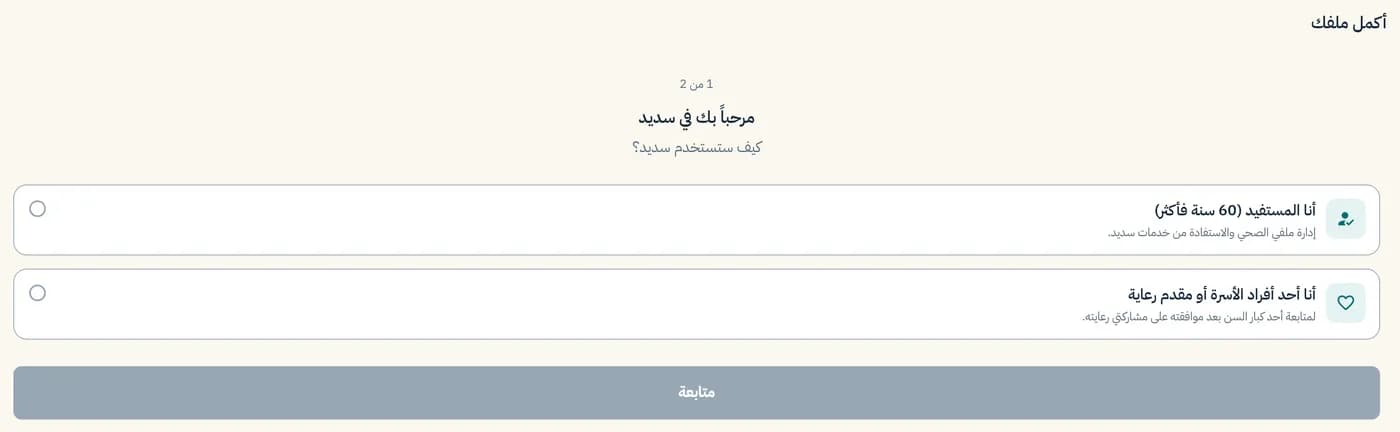
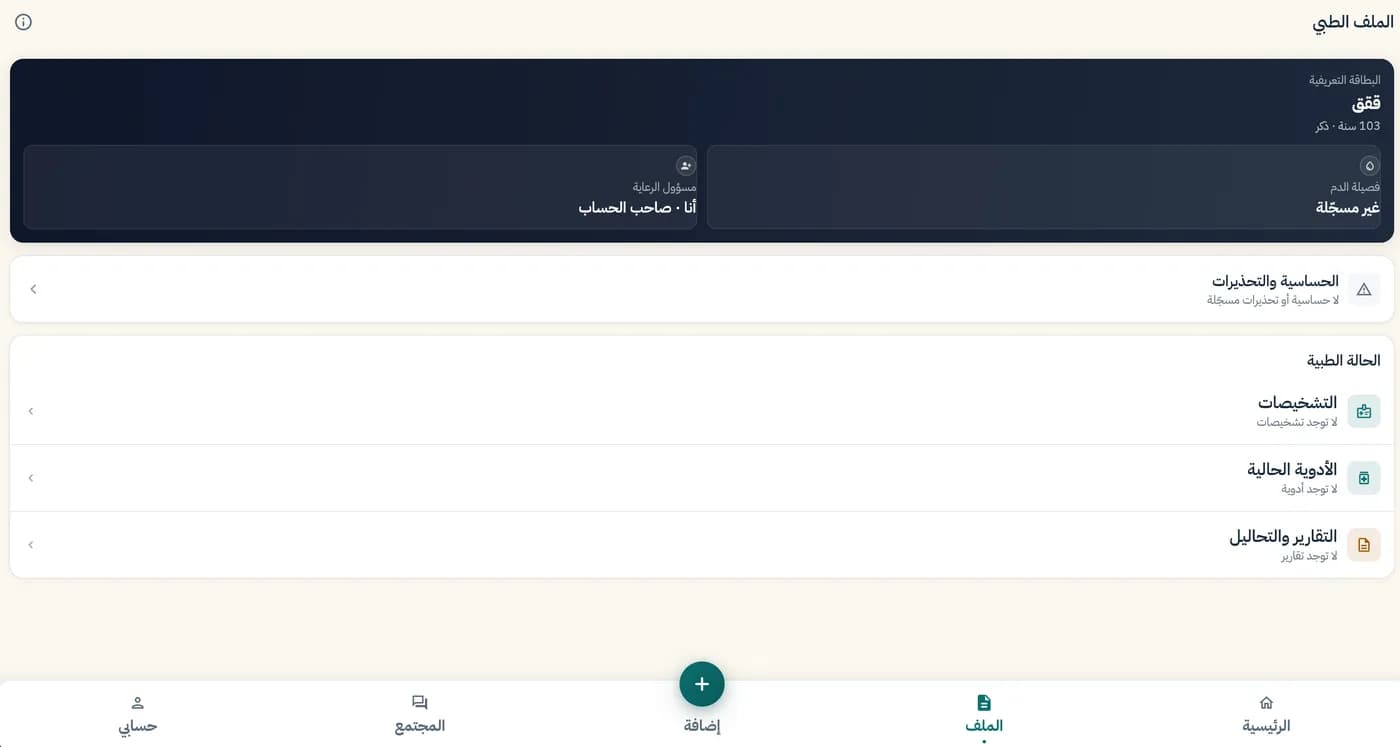
Start your parent's file
Choose how you'll use the app, then set up the medical file: conditions, allergies and key details.
02
Add medications and readings
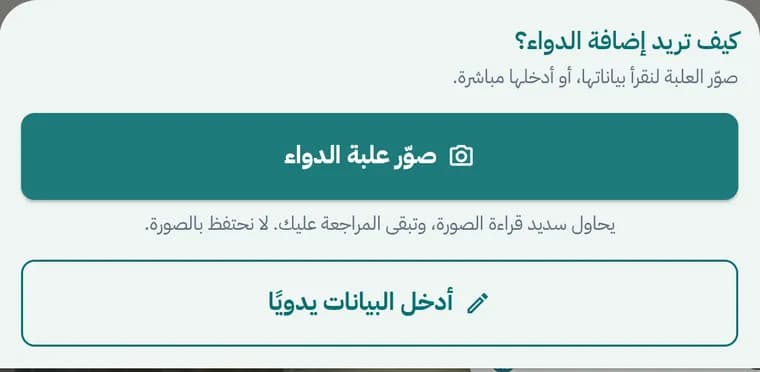
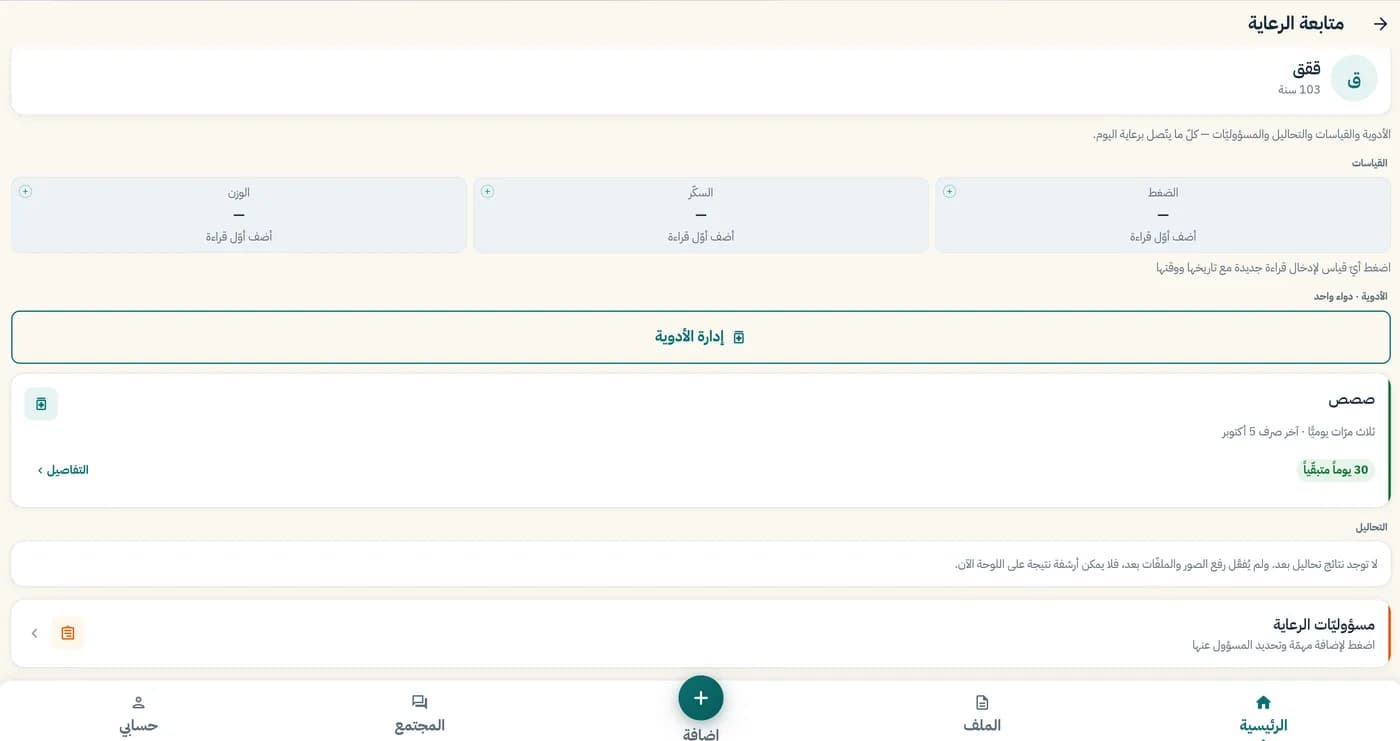
Photograph the medicine box or type it in so the app can work out when it runs out, and log blood pressure, sugar and weight.
03
Invite the family
Send an invitation by mobile number and choose each person's relationship. Nobody sees anything until they accept.

04
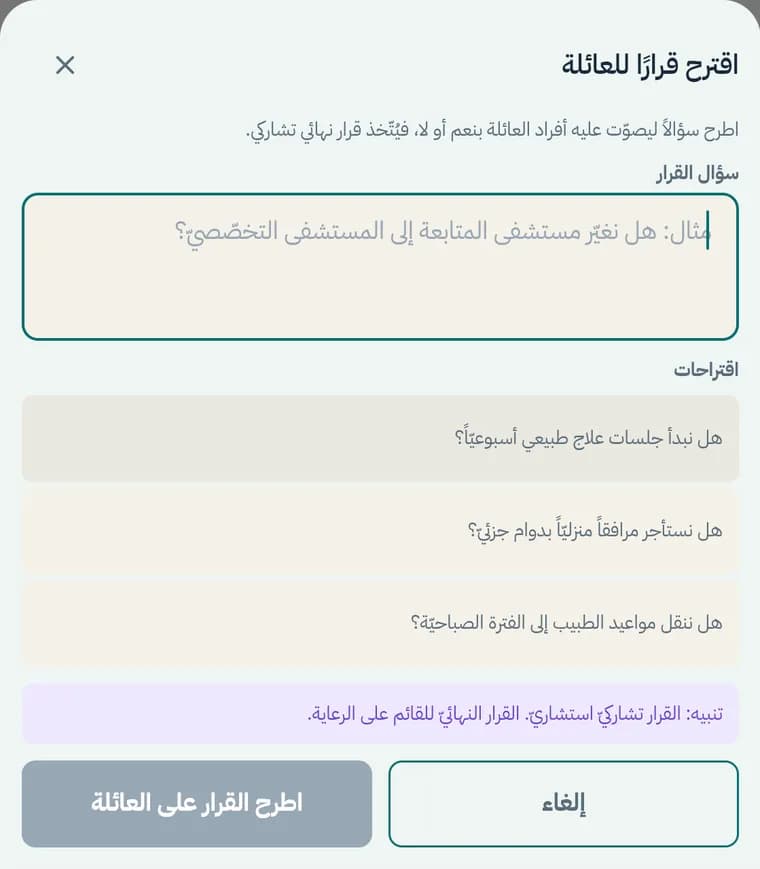
Follow and decide together
Record appointments, summarise visits and share out tasks on the family board, and put decisions to a vote.